
The server handbook
8 short chapters, in the order you will need them: from your first login to owning land, a tribe and a business.
Start with chapter 1Chapters
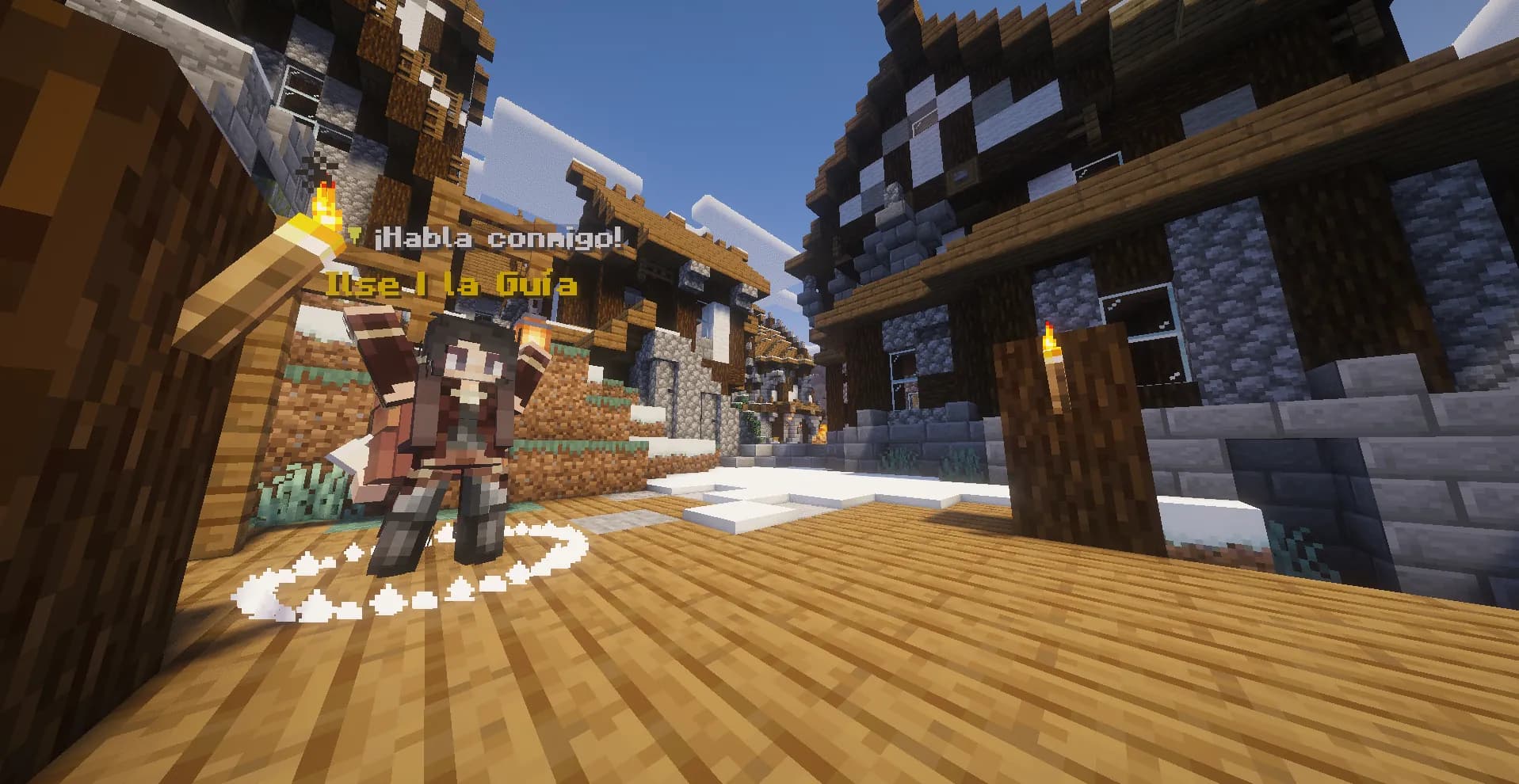
Getting started on Overwilds
Join the server, create your account, walk the Starter Path and get around the world from your first minute.
- /register
- /login
- /premium
- /changepassword
- +19
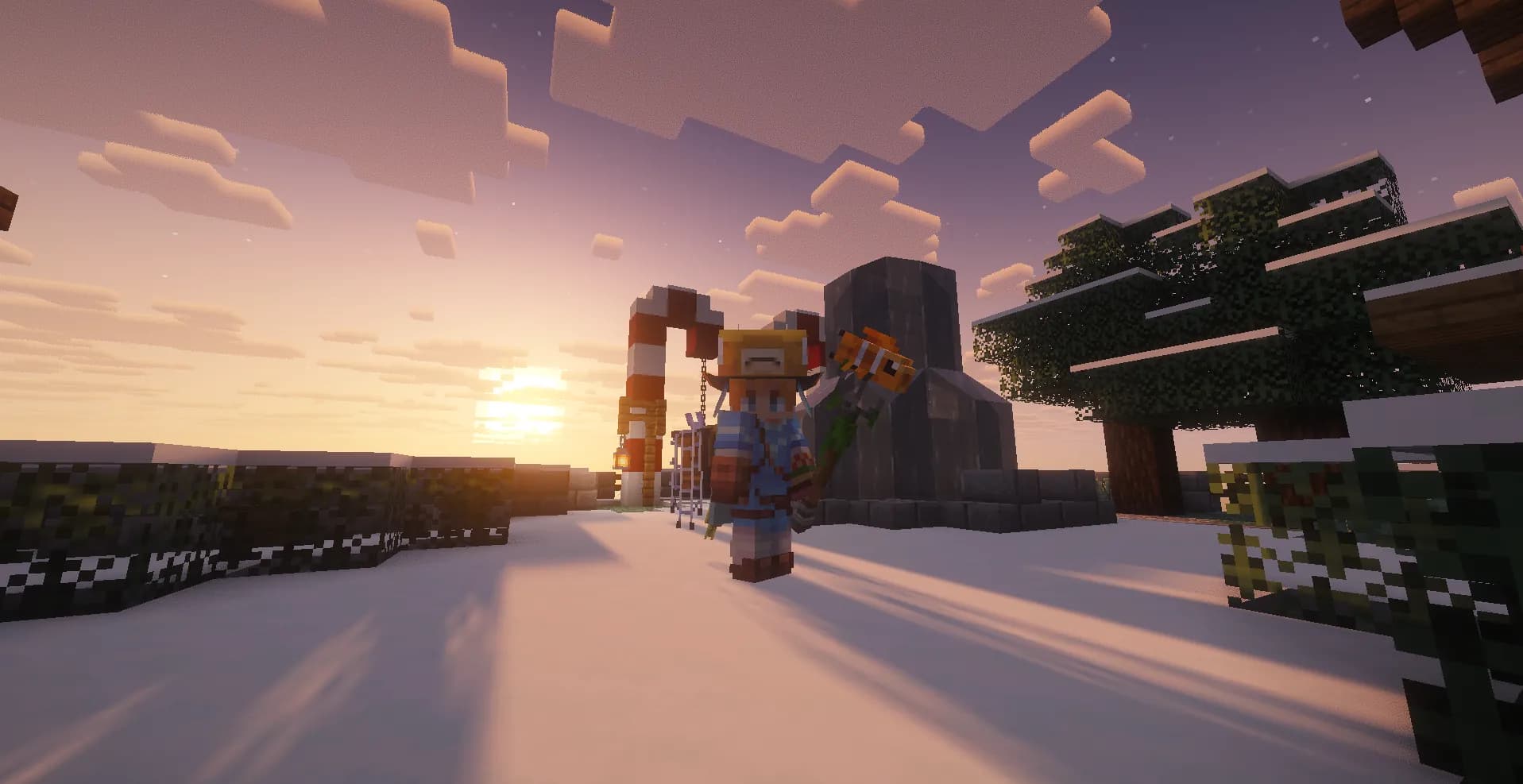
Survival: combat, thirst and fatigue
What changes from regular Minecraft: PvP, thirst, fatigue, food that spoils and animals.
- /stats
- /perfil
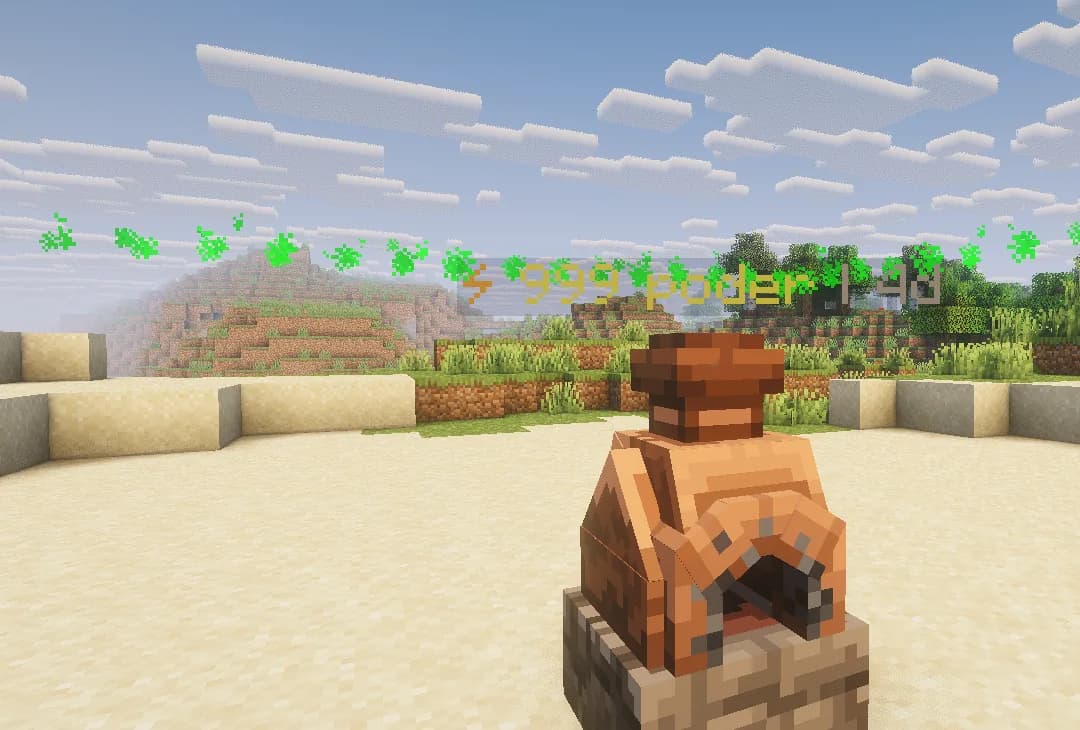
Lands and the PowerCell
How to claim land, how much you can have, how to keep it powered and what happens if you neglect it.
- /lands
- /lands claim
- /lands unclaim
- /lands map
- +18
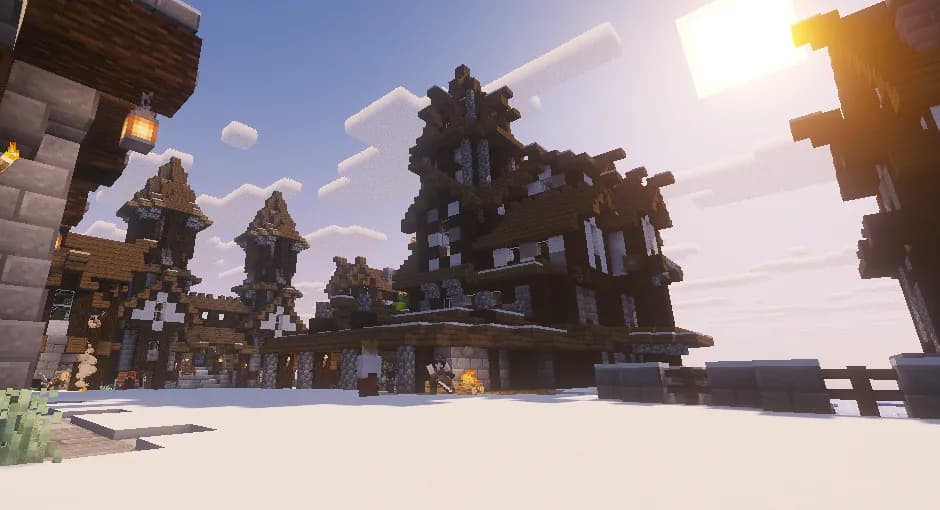
Tribes
Found your tribe, gather your people, share a bank and a home, and decide who is ally or enemy.
- /tribe menu
- /tribe create
- /tribe list
- /tribe join
- +20
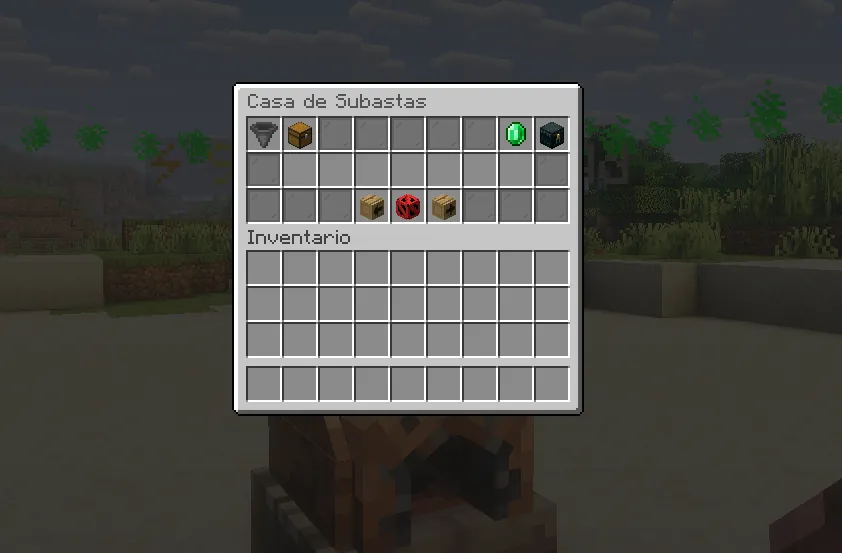
Economy, trading and auctions
OverCoins and WildBucks, how to earn OverCoins and how to trade with other players safely.
- /money
- /wildbucks
- /pay
- /baltop
- +9
Missions and progress
The Path Journal, the daily job board, the Refuge's smiths and achievements.
- /misiones
- /misiones seguir
- /misiones abandonar
- /progression
- +1
Cosmetics and emotes
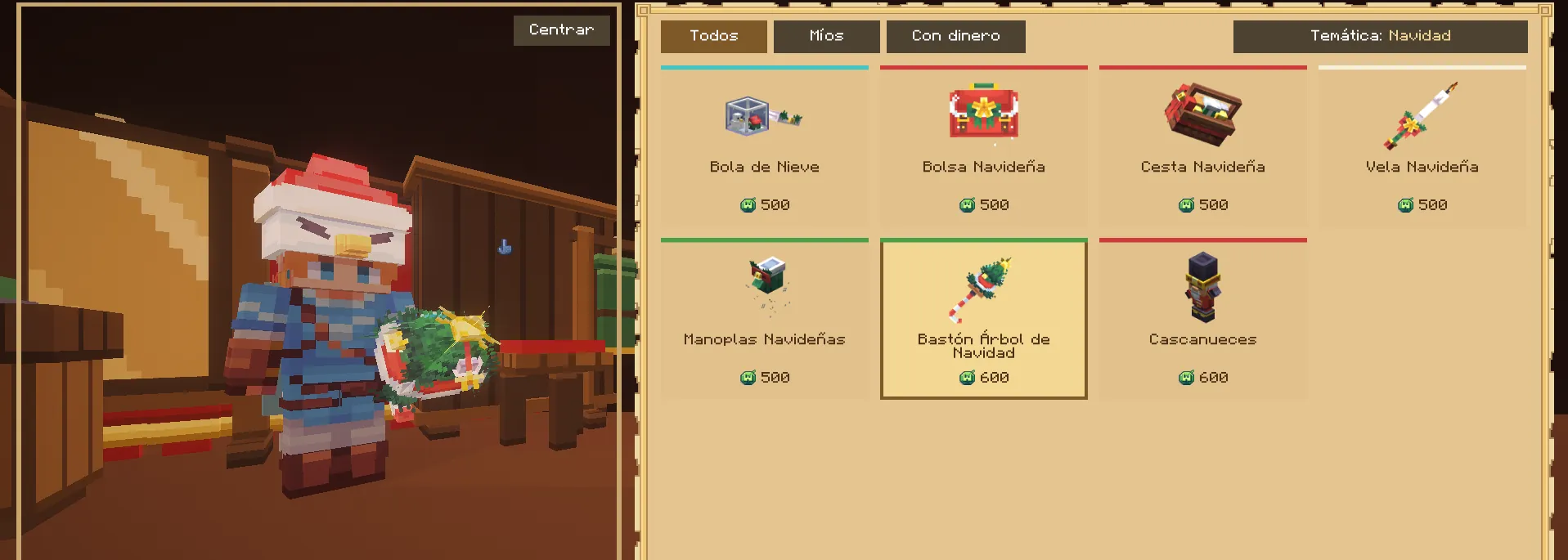
The wardrobe: trying, buying, renting and gifting pieces, and how to use your emotes.
- /cosmetic
- /emote
- /cosmetic gift
- /cosmetic unequip
Server rules
The nine rules of Overwilds, what is allowed outside lands and what happens to those who break them.
- /reglas
Looking for a command?
Every command from the guides in one place. Click one to copy it and paste it into the game chat.
93 commands
- Create your account if it is not premiumGetting started on Overwilds
- Log in on later visitsGetting started on Overwilds
- Turn on automatic login with a premium accountGetting started on Overwilds
- Change your passwordGetting started on Overwilds
- Server help, by topicGetting started on Overwilds
- The server rulesGetting started on Overwilds
- Open your kits or claim oneGetting started on Overwilds
- Take you to the RefugeGetting started on Overwilds
- Teleport to a random safe spotGetting started on Overwilds
- Save a home where you standGetting started on Overwilds
- Take you to a homeGetting started on Overwilds
- List your homesGetting started on Overwilds
- Delete a homeGetting started on Overwilds
- Open the public destinationsGetting started on Overwilds
- Ask to teleport to a playerGetting started on Overwilds
- Ask a player to come to youGetting started on Overwilds
- Accept a teleport requestGetting started on Overwilds
- Stop receiving requestsGetting started on Overwilds
- Return to your previous positionGetting started on Overwilds
- Private messageGetting started on Overwilds
- Reply to the last private messageGetting started on Overwilds
- Hide a player's messagesGetting started on Overwilds
- The chat emojisGetting started on Overwilds
- Your statisticsSurvival: combat, thirst and fatigue
- Your profile or another player'sSurvival: combat, thirst and fatigue
- Open your lands menuLands and the PowerCell
- Claim the plot you stand inLands and the PowerCell
- Release the plot you stand inLands and the PowerCell
- Show the lands around youLands and the PowerCell
- Details of the land you stand inLands and the PowerCell
- PowerCell recipeLands and the PowerCell
- Your PowerCell's statusLands and the PowerCell
- Name your landLands and the PowerCell
- Set your land's arrival pointLands and the PowerCell
- Take you to your landLands and the PowerCell
- Invite someone to your landLands and the PowerCell
- Accept an invitationLands and the PowerCell
- Give a player accessLands and the PowerCell
- Remove accessLands and the PowerCell
- Manage members and rolesLands and the PowerCell
- Kick someone out of your landLands and the PowerCell
- Bar a player from enteringLands and the PowerCell
- Lift the banLands and the PowerCell
- Close your land to outsidersLands and the PowerCell
- Set PvP, fire, explosions and moreLands and the PowerCell
- Leave someone else's landLands and the PowerCell
- Delete all your landsLands and the PowerCell
- Open your tribe's menuTribes
- Create a tribe for freeTribes
- List the tribesTribes
- Ask to join a tribeTribes
- Invite a playerTribes
- Accept an invitationTribes
- Accept a join requestTribes
- Turn down a join requestTribes
- List the membersTribes
- Change a member's rankTribes
- Create a custom rankTribes
- Expel a memberTribes
- Leave your tribeTribes
- Tribe chatTribes
- Chat with your alliesTribes
- Set the tribe's homeTribes
- Take you to the tribe's homeTribes
- Bank balanceTribes
- Deposit OverCoins in the bankTribes
- Withdraw OverCoins from the bankTribes
- Propose an allianceTribes
- Declare a tribe an enemyTribes
- Tribe statisticsTribes
- Tribe leaderboardTribes
- Your OverCoins balanceEconomy, trading and auctions
- Your WildBucks balanceEconomy, trading and auctions
- Send OverCoinsEconomy, trading and auctions
- The richest playersEconomy, trading and auctions
- Propose a safe tradeEconomy, trading and auctions
- Accept a tradeEconomy, trading and auctions
- Turn down a tradeEconomy, trading and auctions
- Block trade requestsEconomy, trading and auctions
- Open the auction houseEconomy, trading and auctions
- Auction what you holdEconomy, trading and auctions
- Search the auctionsEconomy, trading and auctions
- Your auctionsEconomy, trading and auctions
- Collect what you won or got backEconomy, trading and auctions
- Your missions and your Path JournalMissions and progress
- Choose which mission shows on screenMissions and progress
- Drop a missionMissions and progress
- Your progress and milestonesMissions and progress
- Your pending noticesMissions and progress
- Open the wardrobeCosmetics and emotes
- Open your emotesCosmetics and emotes
- Gift a piece to another playerCosmetics and emotes
- Take off what you wearCosmetics and emotes